
![Echo Radio [S]](http://dunb17ur4ymx4.cloudfront.net/packages/images/cdf635c458cf90a6425cf6c50e06e112aedfa44b.png)
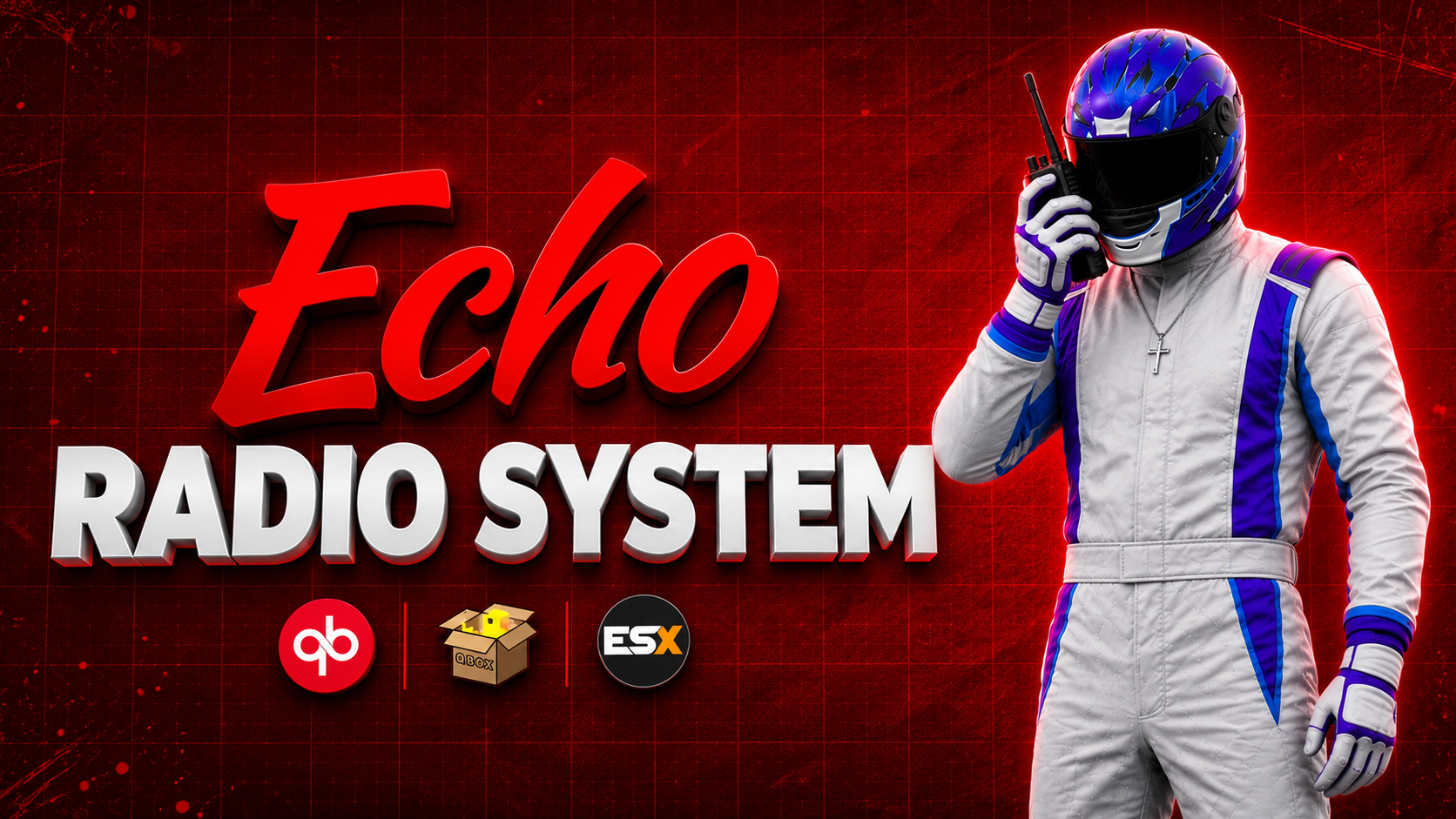
Echo Radio [S]
Check out the full video showcase to see this script in action.
Watch Video Showcase on YouTubeStep-by-step setup and configuration guides for every resource.
Read the DocumentationA handheld that sounds like a handheld, with restricted channels your players cannot talk their way onto.
RESTRICTIONS THAT ACTUALLY HOLD
Frequency 1 is police. Frequency 3 is EMS. Frequency 4 is both.
Echo enforces that on the server, at the pma-voice level. A player who bypasses the UI entirely and forces a join gets bounced straight back off the channel. This is not a UI check with a server-side apology.
A periodic sweep runs behind it: lose the radio item, go down, or get cuffed, and you come off the air automatically. Nobody keeps transmitting from the back of a police car.
Restrictions match the active job's type or name, so 'leo' covers every PD-style job on QBX and QBCore without listing them.
FREQUENCIES 1 TO 999, WITH SUB-CHANNELS
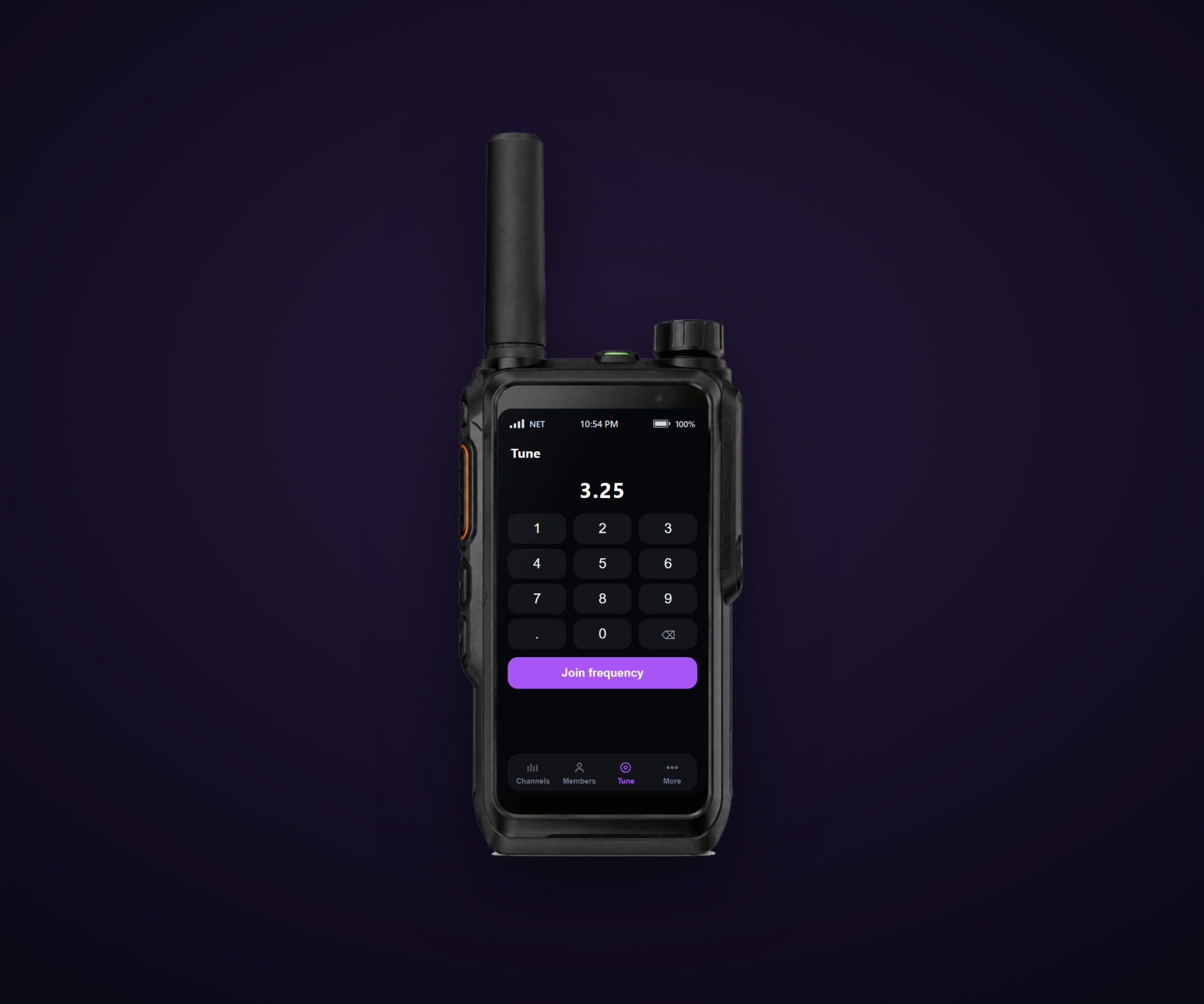
Two decimal places, 6.25-style — so 1.25 is its own channel, and it inherits frequency 1's restrictions automatically. Your PD gets a hundred private sub-channels without you configuring a hundred anything.
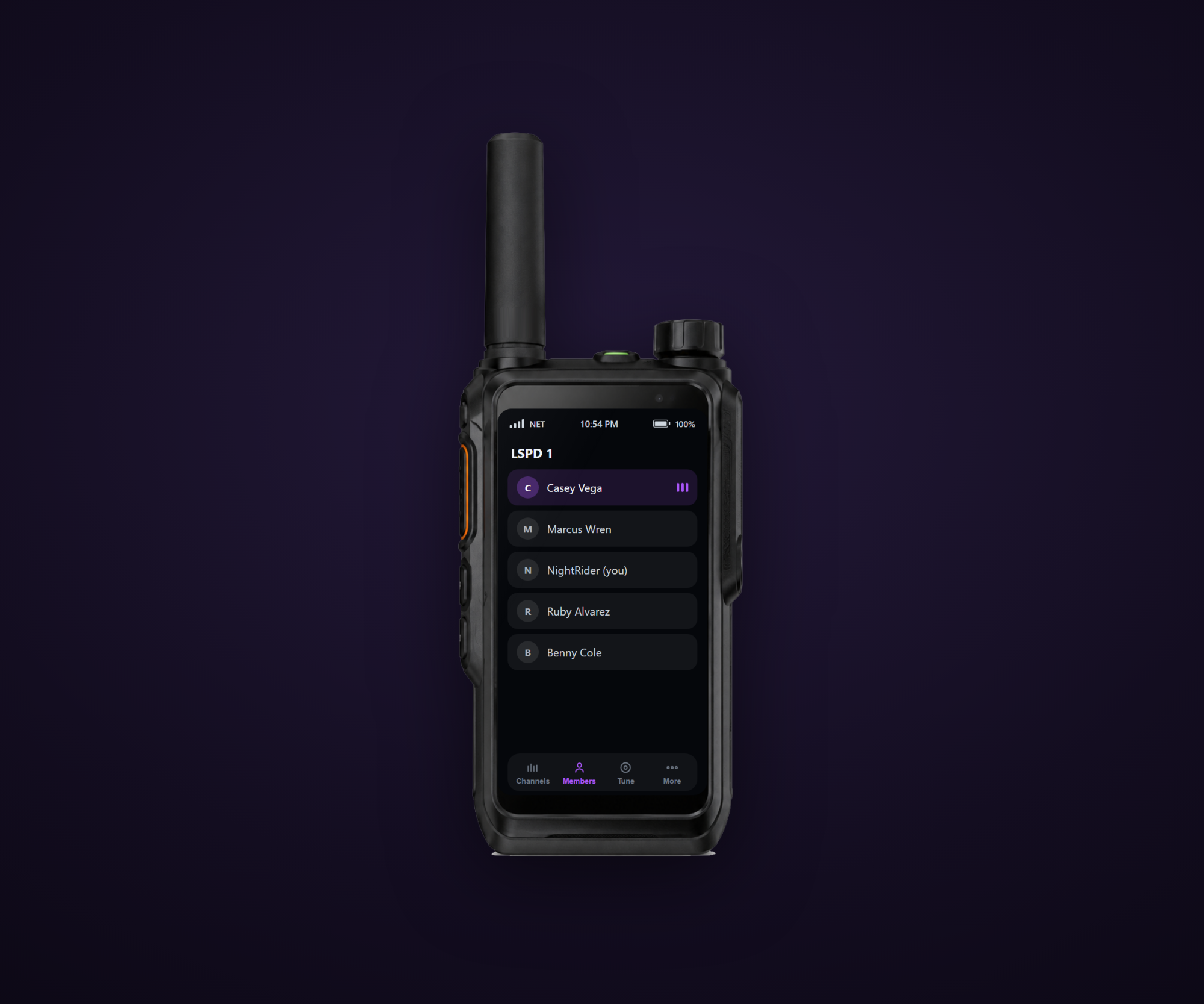
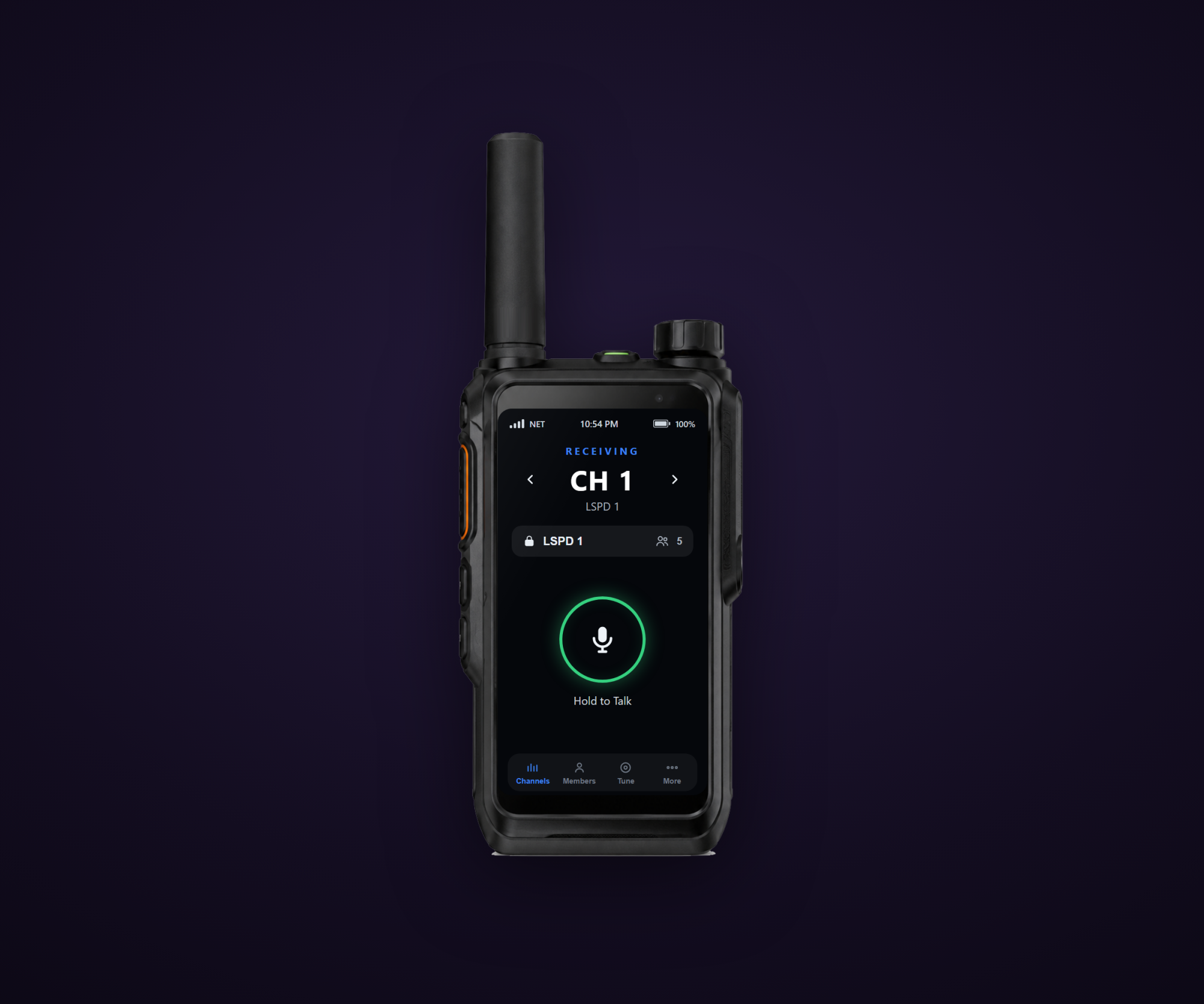
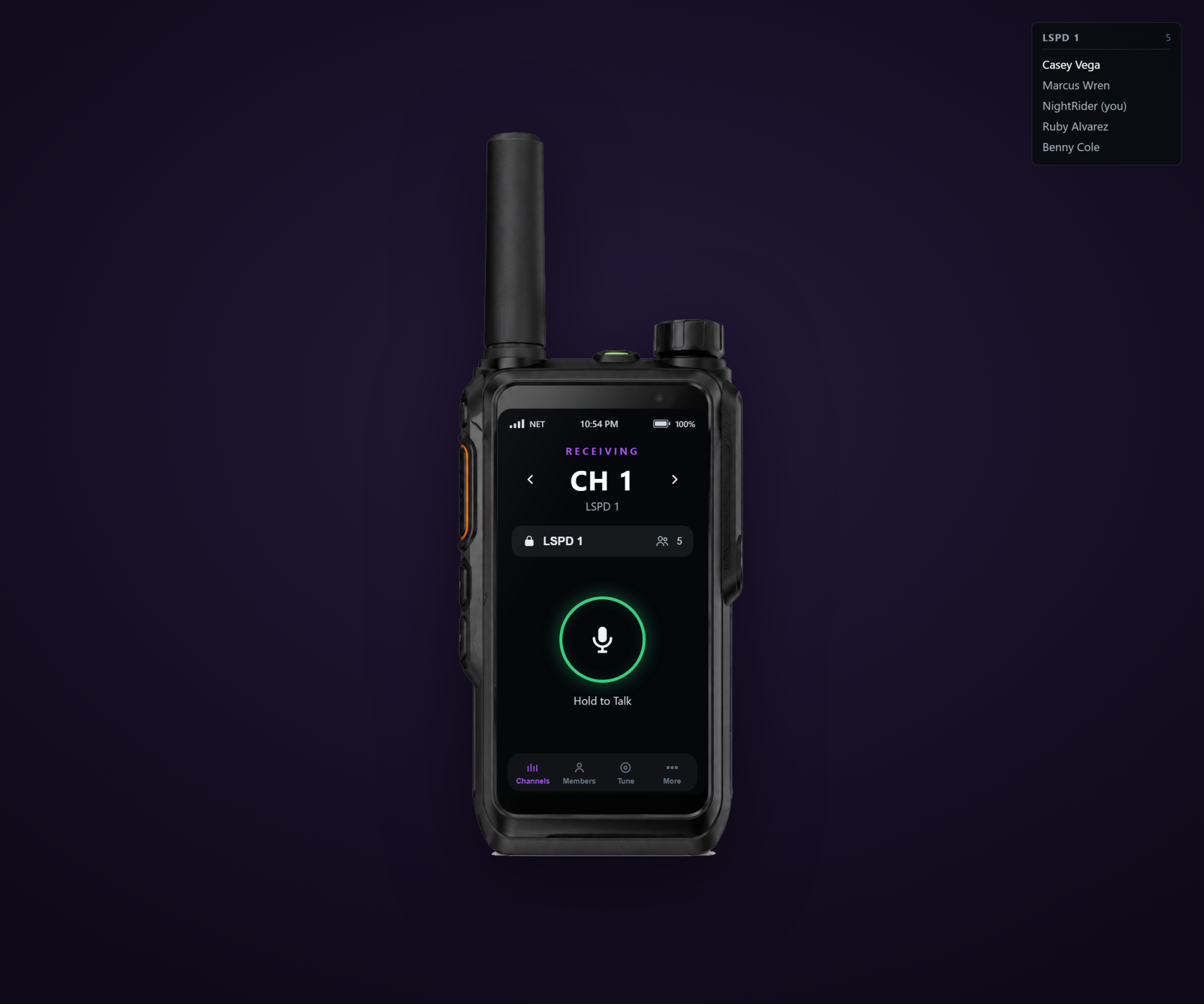
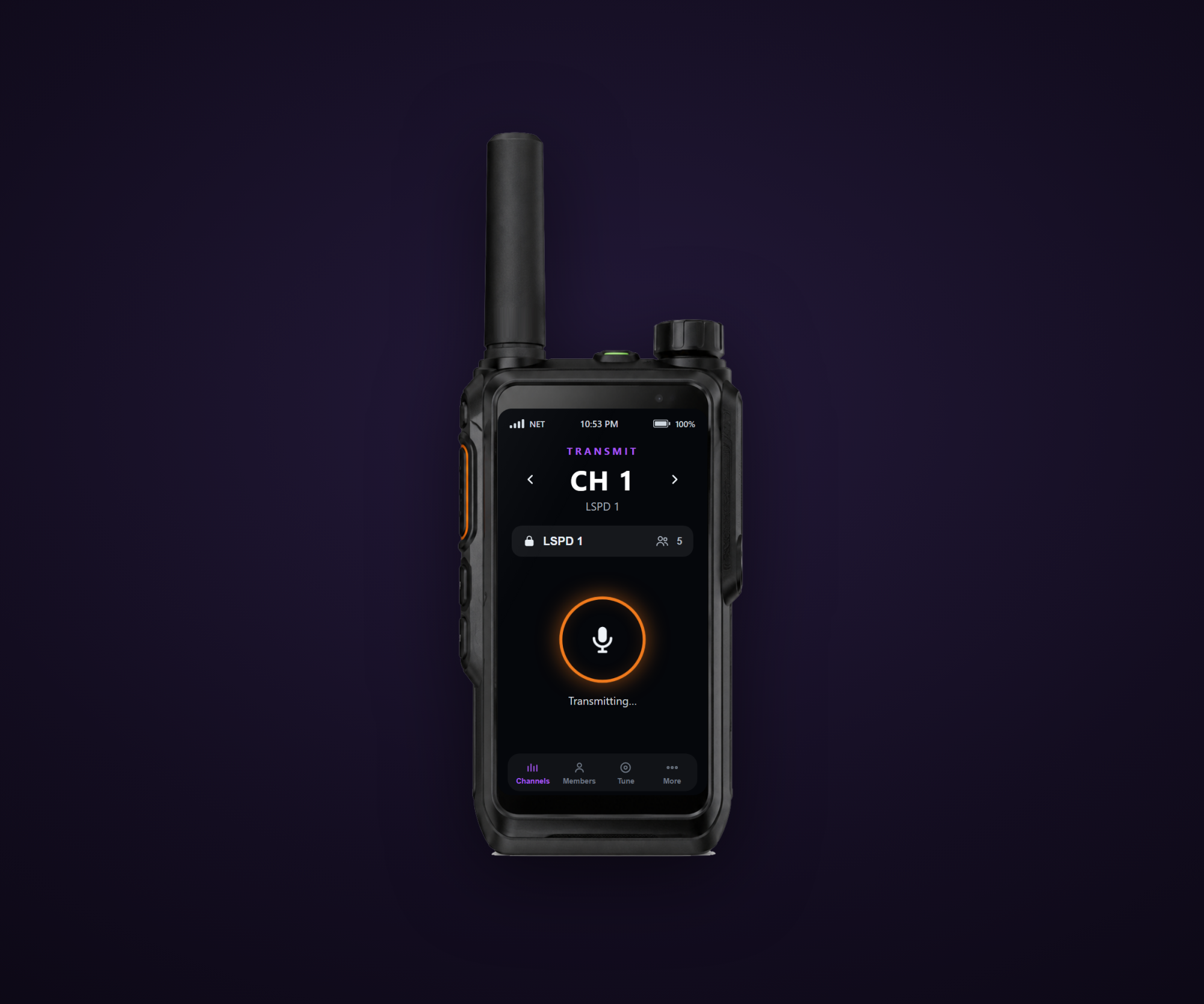
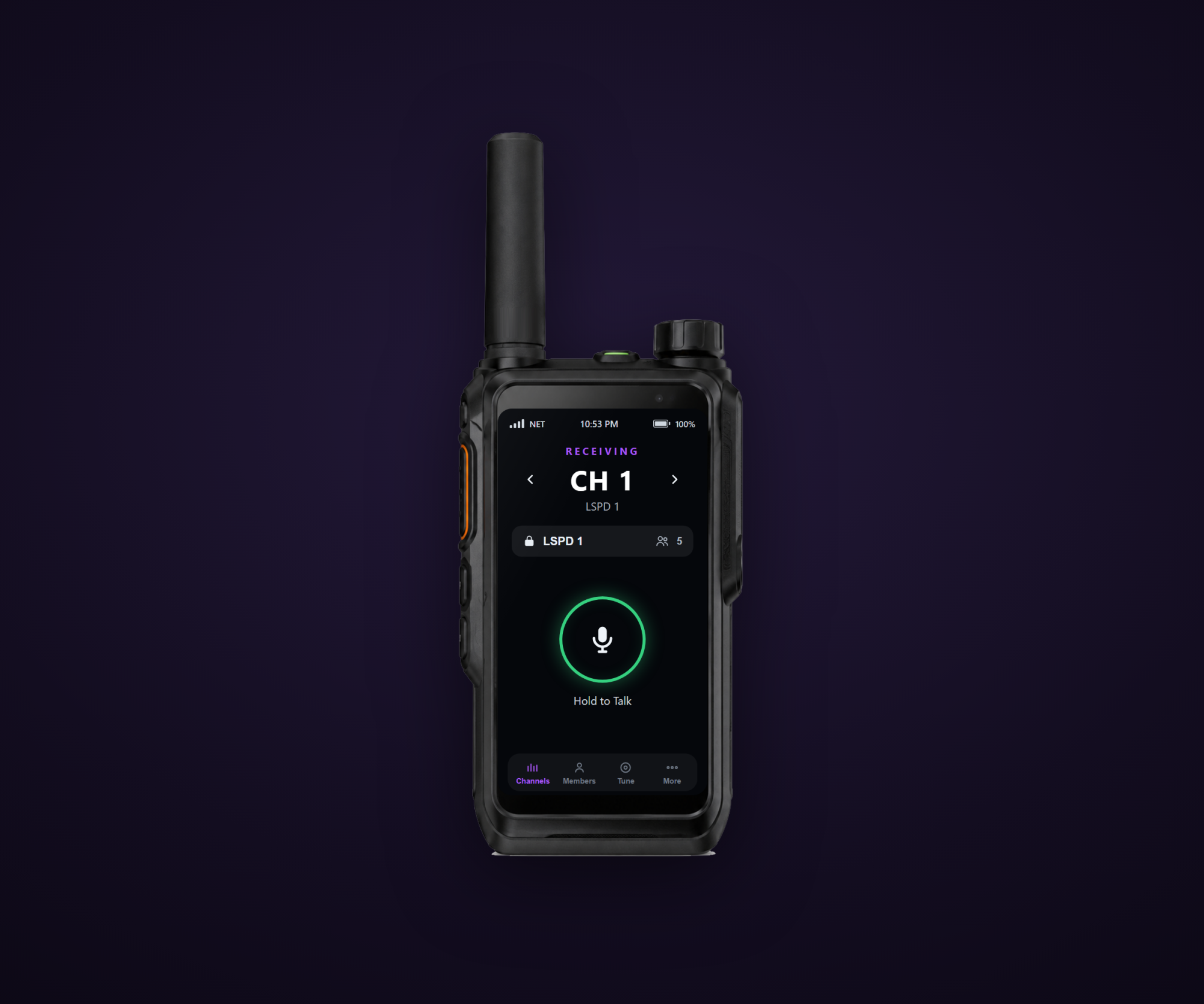
Name the ones that matter. Players see LSPD 1 on the display, not 1.
IT SOUNDS RIGHT
Config.RadioEffect puts a real handheld submix on transmissions. Radio traffic stops sounding like someone standing next to you and starts sounding like radio traffic.
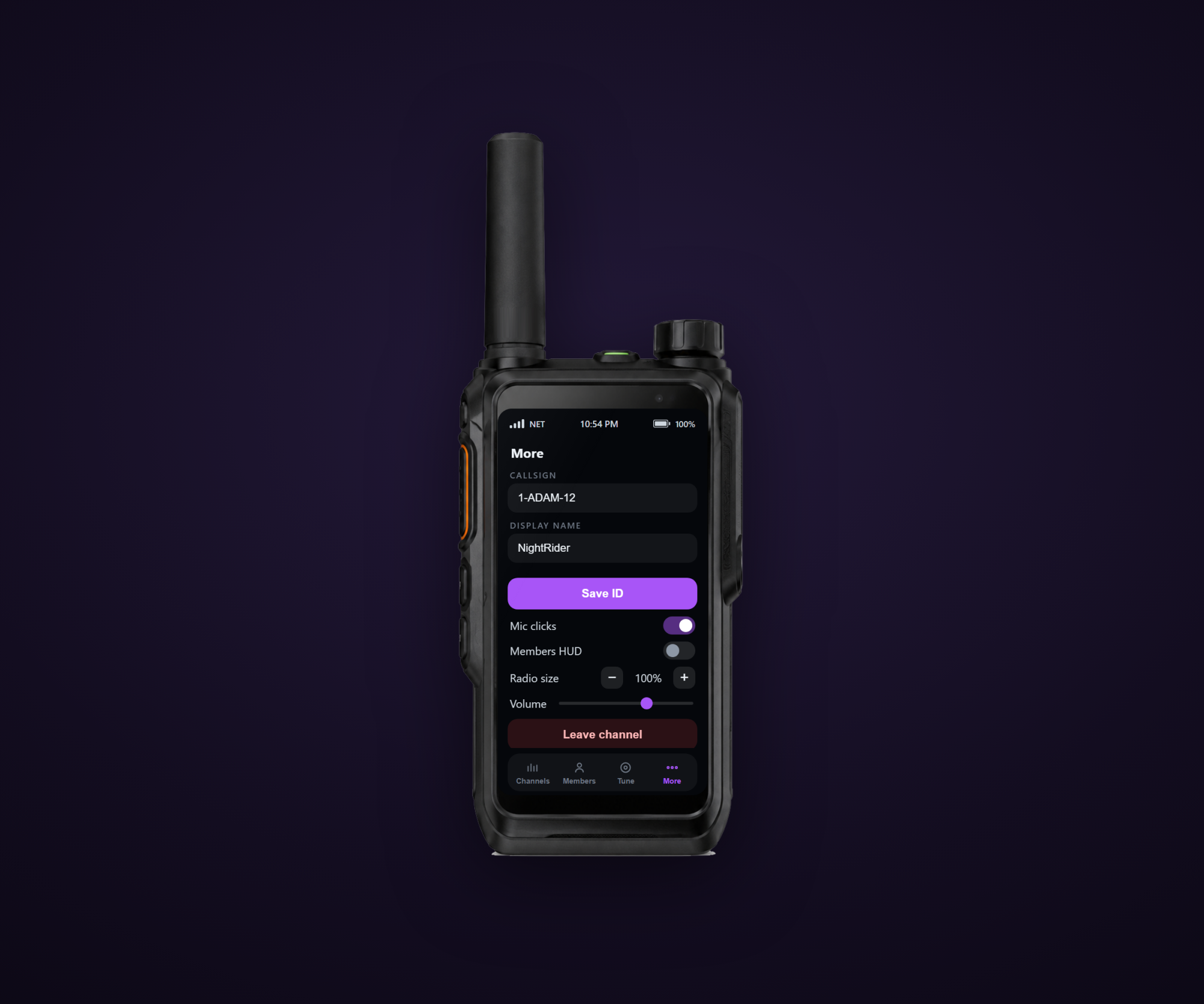
Mic clicks on key up and key down, toggleable by each player on the device.
(Requires setr voice_useNativeAudio true in server.cfg — it's an init-time convar and can't be set after boot.)
THE MEMBER LIST, PINNED
The radio screen shows who's on your channel. Players can also pin a compact, dispatch-style member list to the top-right of their screen — and it keeps updating while the radio is in their pocket.
The current talker's name brightens to white. That's the whole animation. No waveforms, no pulsing glow, nothing that turns a tool into a toy.
BUILT AROUND THE PLAYER
Device scale from 0.7 to 1.4, and both the scale and the HUD preference persist per player across sessions.
Every keybind ships unbound on purpose — extra talk key, volume up and down, channel up and down. Your players already have a key layout. Echo doesn't overwrite it.
FITS YOUR SERVER AS-IS
Framework auto-detected across QBX, QBCore, and ESX. The radio item is checked against ox_inventory, qs-inventory, ak47_inventory, codem-inventory, origen_inventory, or tgiann-inventory, with a framework fallback — or set Config.RequireItem = false for keybind-only mode and skip the item entirely.
Notifications dispatch through ox, qb, esx, okok, mythic, t-notify, pNotify, or your own event.
Server and client exports (GetPlayerChannel, SetPlayerChannel, GetChannel, IsOpen) for wiring into dispatch and MDT scripts.
Compatibility: QBX (Qbox), QBCore, ESX
Dependencies: pma-voice, ox_lib
Note: ESX has no job types — list restricted channels by job name.

Our Achievements
Trusted by FiveM servers worldwide since 2022.
Customer Reviews
Real reviews from our Discord. Unfiltered.
"Amazing scripts, amazing customer service!"
"This dude is amazing — will use again, can't recommend him enough. Very fast and quality work."
"10/10 very helpful, did exactly as asked and super quickly. Great patience and coding skills!"
"Amazing scripts, amazing customer service!"
"This dude is amazing — will use again, can't recommend him enough. Very fast and quality work."
"10/10 very helpful, did exactly as asked and super quickly. Great patience and coding skills!"
"Amazing scripts, amazing customer service!"
"This dude is amazing — will use again, can't recommend him enough. Very fast and quality work."
"10/10 very helpful, did exactly as asked and super quickly. Great patience and coding skills!"
"Amazing scripts, amazing customer service!"
"This dude is amazing — will use again, can't recommend him enough. Very fast and quality work."
"10/10 very helpful, did exactly as asked and super quickly. Great patience and coding skills!"

Frequently Asked Questions
Common questions about our resources and support.
Need more help?
If your question isn't listed here, open a ticket on our Discord and our team will get back to you.
Stuck on setup or need a tweak? Hit us up on Discord — replies are usually fast.